Long-term care and skilled nursing
Shared hallways, dining rooms and other common areas where staff can’t watch every screen.
NeuraVue detects patterns associated with responsive-behaviour escalation, unsafe interactions that may indicate possible abuse, falls and wandering / zone events, using the video systems you already have, and alerts staff in the NeuraVue mobile app. Incident documentation is available now. After a nurse confirms an alert, NeuraVue pre-fills a time-stamped incident record. The nurse reviews, edits and submits it herself. The record locks, and a later correction is dated. NeuraVue does not file the record for her. The free demo runs on site, on the home’s own computer with an added GPU. NeuraVue helps set it up.
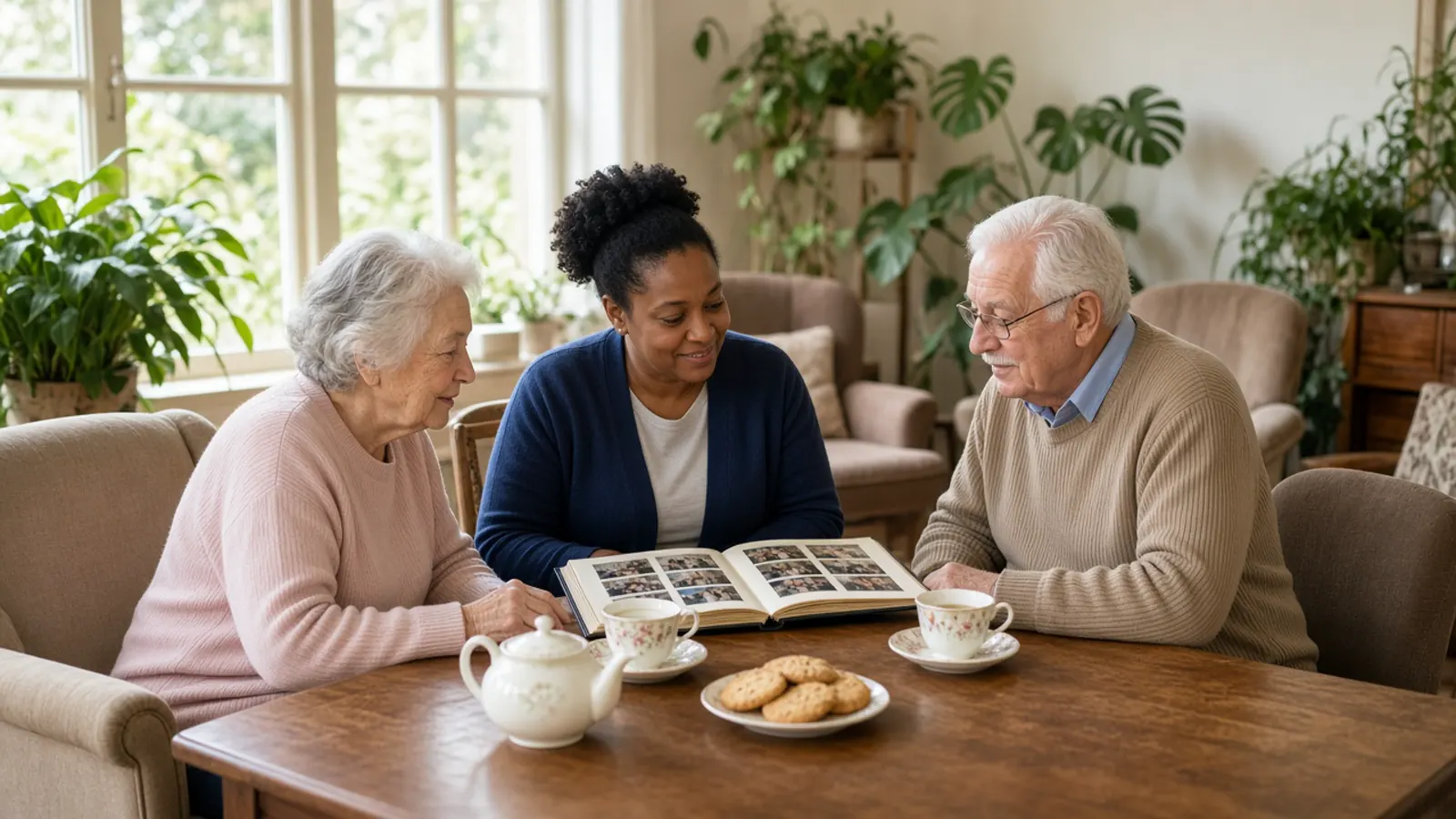
Incident documentation is available now. After a nurse confirms the alert, NeuraVue pre-fills a time-stamped incident record. The nurse reviews, edits and submits it herself. The record locks, and a later correction is dated. NeuraVue supports the nurse on the floor. It does not replace her, and it does not file the record for her.
1
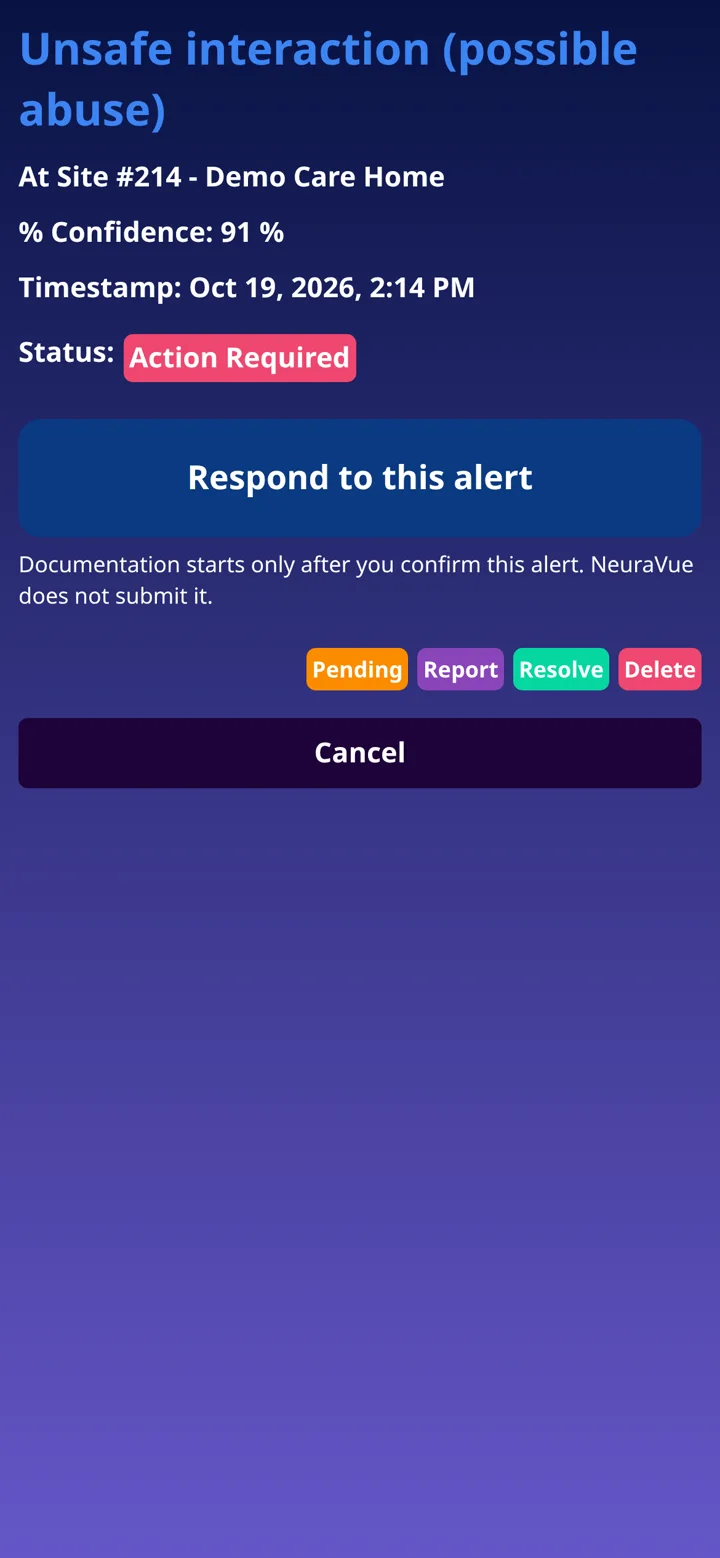
The nurse’s phone shows an unsafe interaction (possible abuse), with the place and the time. On this demo screen the alert is marked within about 15 seconds (tested). Nothing is documented until the nurse confirms the alert.
2
The nurse confirms the alert, marks it as a false alert, or escalates. NeuraVue does not submit the record.
3
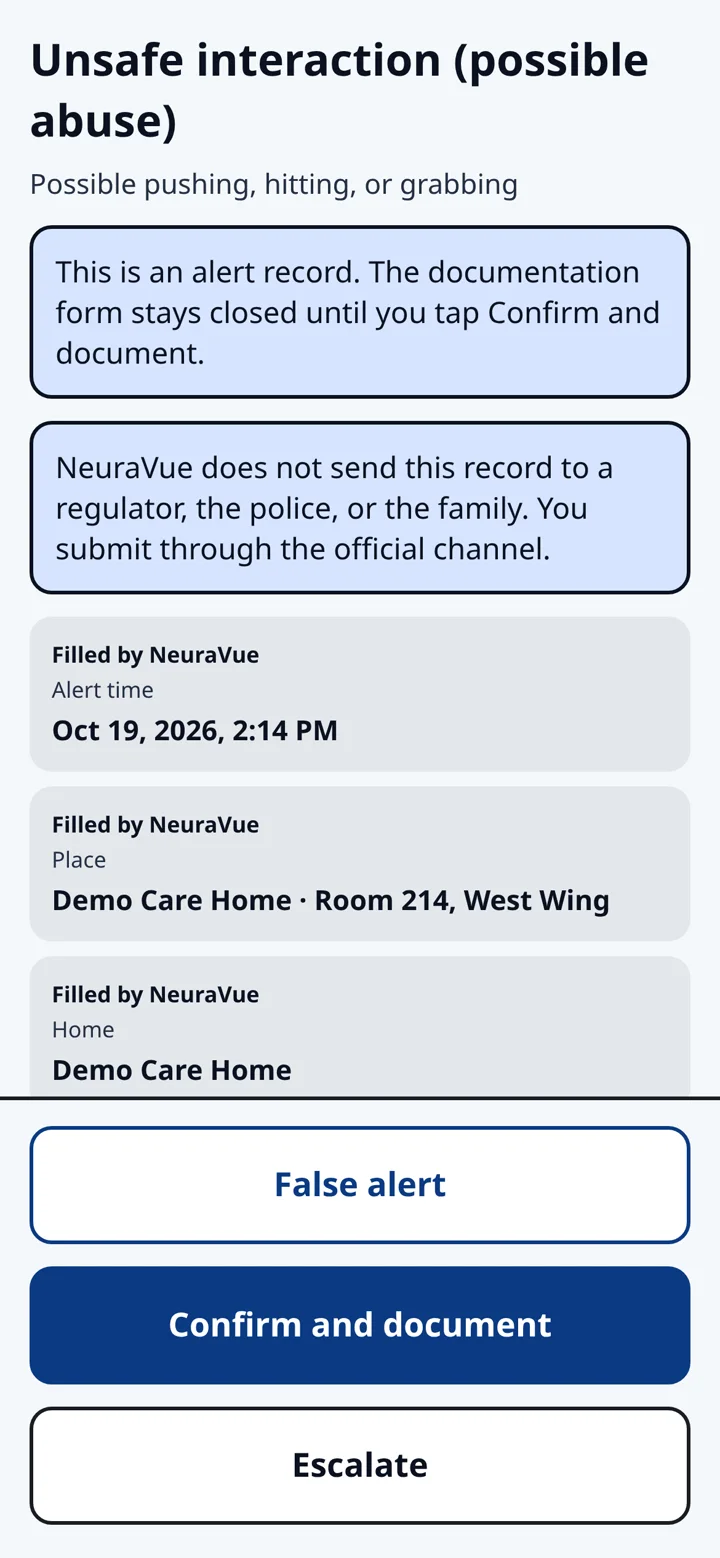
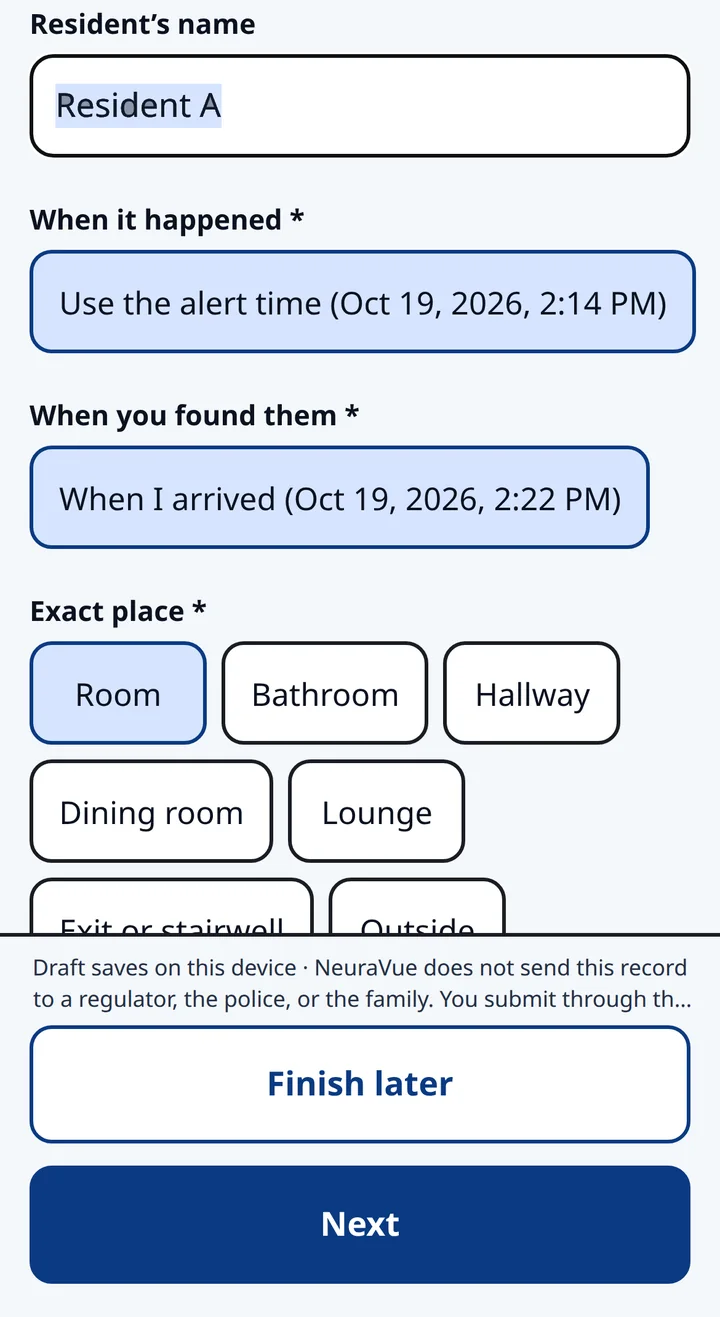
After the nurse confirms, NeuraVue pre-fills a time-stamped incident record. The nurse reviews and edits every field, including the resident’s name and where it happened.
4
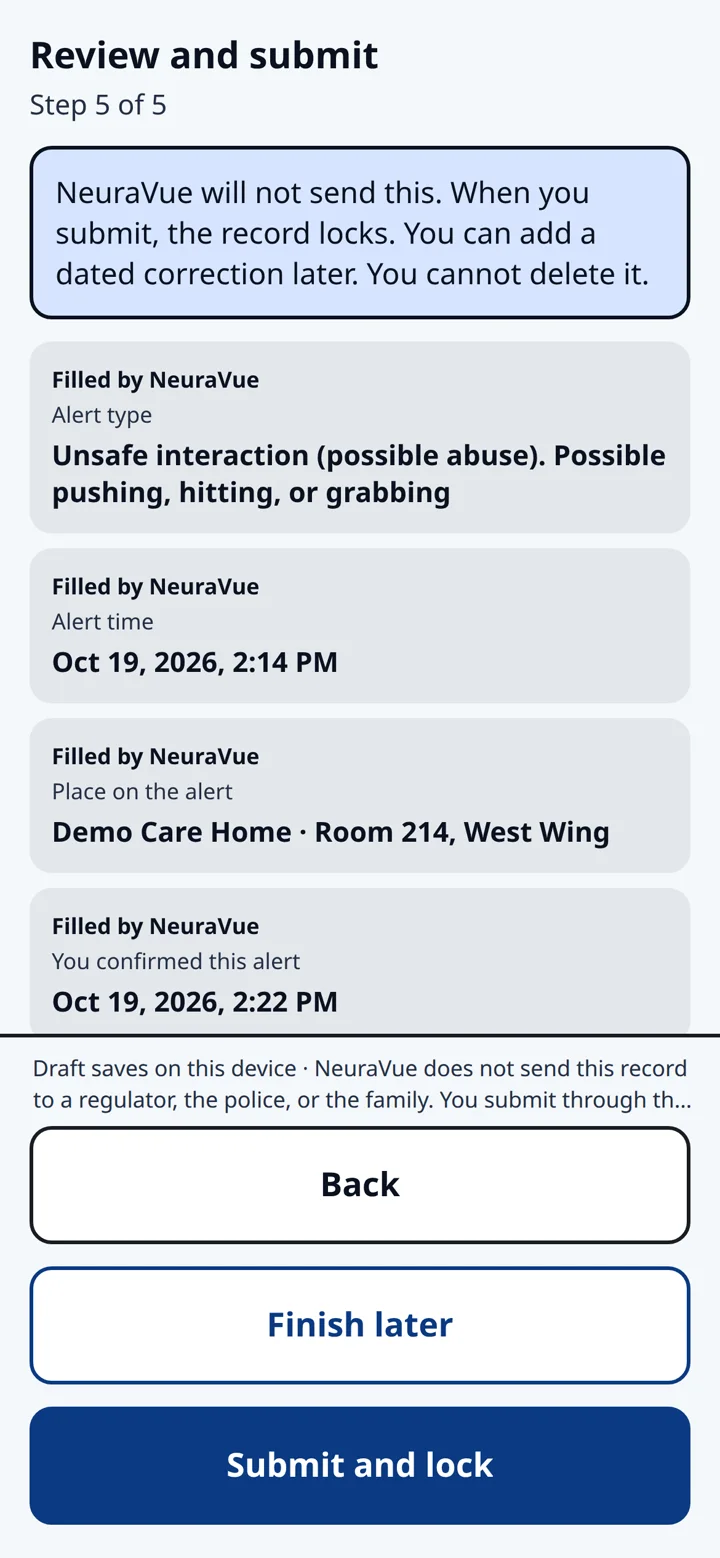
The nurse reviews the record, corrects anything that is wrong, and submits it. NeuraVue does not send it to a regulator, the police, or the family.
5
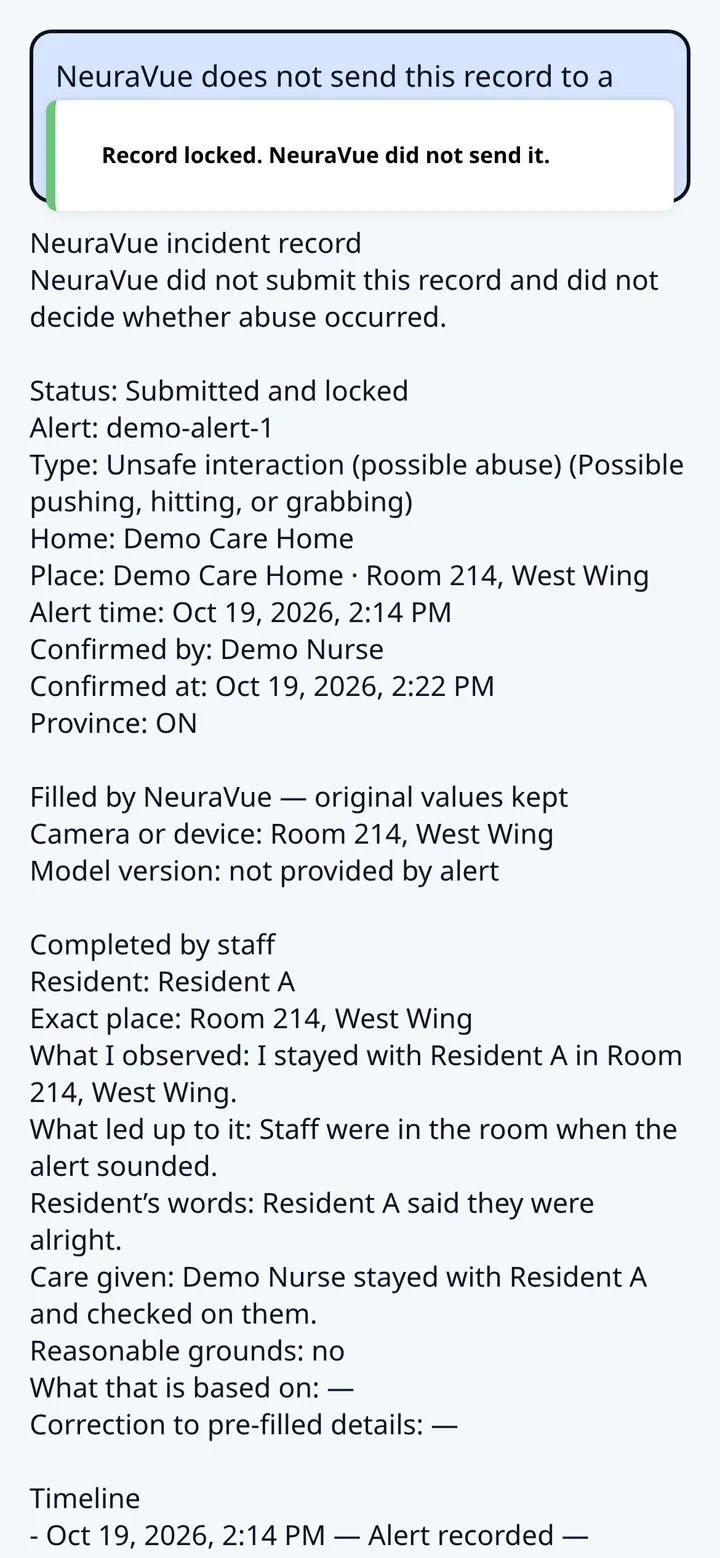
The record locks when the nurse submits it. A later correction is dated. The nurse submits through the official channel. NeuraVue does not file it for her.
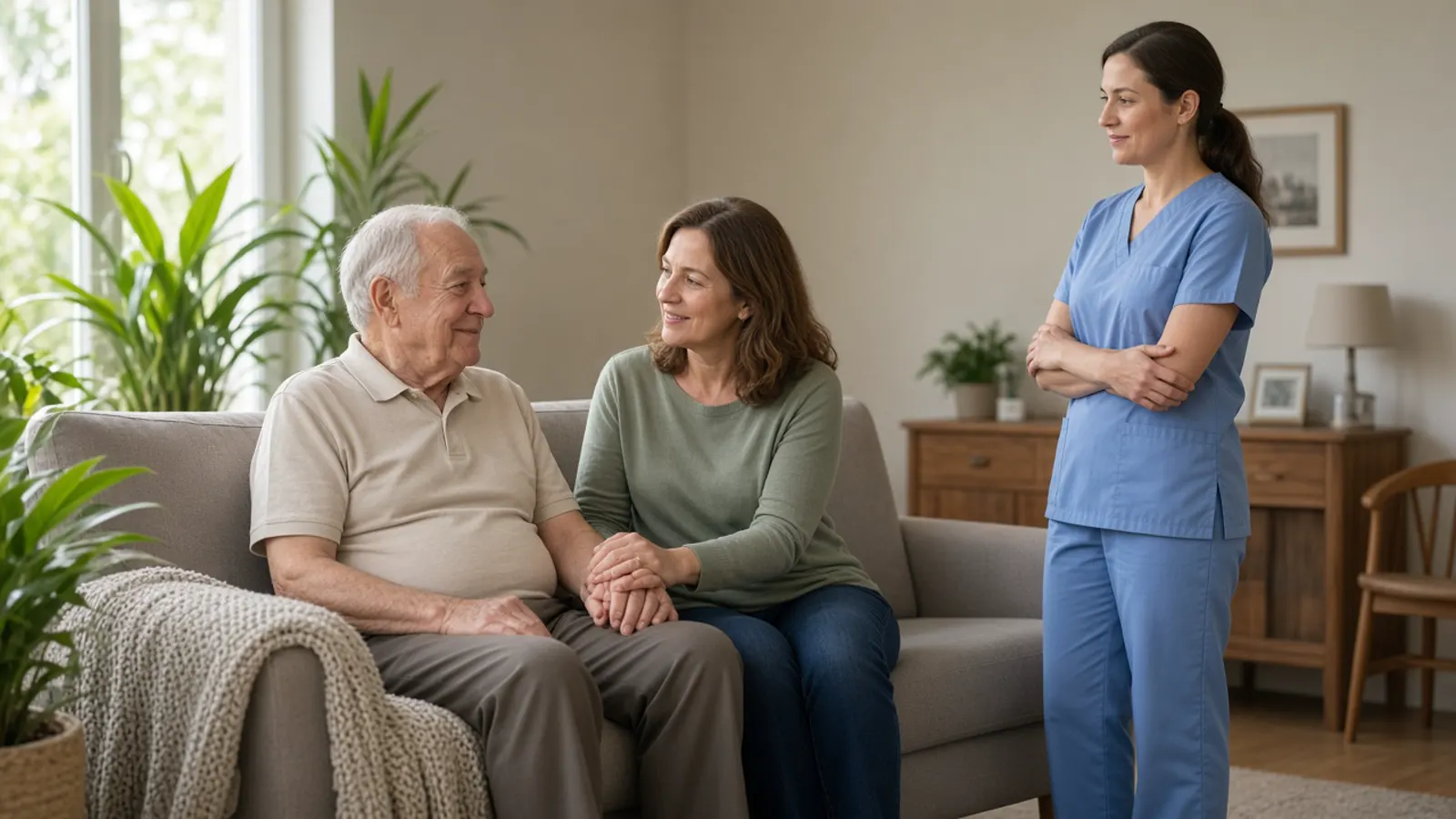
Dramatization · staged footage
Shared hallways, dining rooms and other common areas where staff can’t watch every screen.
For teams supporting residents who still move through the facility on their own.
For facilities where someone moves toward an exit or a restricted area.
1
NeuraVue analyzes the live video from the systems you already operate.
2
Video is processed on site, on the home’s own computer with an added NVIDIA GeForce RTX GPU, for the free demo and for a paid deployment. NeuraVue helps set it up. Staff don’t need to watch feeds continuously.
3
Designated staff get an alert on their phones through the NeuraVue mobile app.
4
A caregiver reviews the alert and responds. Every decision stays with your team.
Alerts designated staff when a pattern associated with escalation is seen in common areas.
A supporting feature that flags physical interactions that may indicate possible abuse, such as hitting, kicking, grabbing, pushing, throwing objects or biting. It’s designed to tell these apart from normal care like lifting, bathing and feeding.
Detects a potential fall in a monitored area.
Detects movement toward an exit or into an area you’ve marked as restricted, and alerts staff in the NeuraVue mobile app.
An alert is a prompt to look. It isn’t a finding of abuse and doesn’t replace an investigation or clinical judgment. Detection isn’t prevention. Wandering / zone alerts don’t physically stop anyone.
In 30 minutes, we'll look at your floor plan, show you a live alert on your phone using staged footage, and help you choose where a 2-month free trial on up to 4 cameras would matter most. The demo runs on site. NeuraVue helps set it up on the home’s own computer, with an added GPU.
2-month free trial, up to 4 cameras. No obligation.
US$1,500 onboarding waived through Nov 30
Prefer email? contactus@neuravue.com